Issuu vs Archifolio: Which One’s Best for Online Architecture Portfolios?

You need to have your architecture portfolio online to send, and you need it now. You might have even heard of a couple of options like Issuu and Archifolio, but which one’s the best fit for you? I’ve tried both, and I’m here to break it all down. Scroll for screenshots and our detailed evaluation.
If you have a perfect PDF portfolio that you wouldn’t want to change one bit, and you’re just avoiding file size limitations when sharing, go for Issuu. If your portfolio is more than 10 pages or you want to impress with a professional and interactive website, standing out from all the other applicants, choose Archifolio.
Our experience trying Issuu for an online portfolio

As you might know, Issuu is not explicitly a portfolio building platform. It’s just a place to get a link where people can view your PDF online, which some architects use to send their portfolios out.
Trying Issuu confirmed that for us: it’s just that, nothing more, with some sneaky marketing/UX thrown in.

Uploading your PDF is pretty quick at the beginning. Though I have to say, I might be a boomer, but I didn’t like that I had to drag and drop my file and couldn’t just click a button to choose it from my computer.
But essentially, you drop your file, and it loads the flippable version in a minute.

Here you can choose how to preview it—other than that, you have a few edit options (all paid features that are not even marked as such here, but you can see them one picture above) and a button to publish it.

To publish your PDF, you have to create an account (which makes total sense) and set the URL ending to go along with it. One thing to note here: whatever you set here can’t be changed later, which is a little bit strange in this digital age. Reddit usernames are probably the only unchangeable things I can think of right now.

Right before the next screen loads, you’ll see a little window pop up, prompting you to “get access to all features for free”, which is where the sneaky part starts. The Continue button takes you to get your free trial for their “Unlimited” plan started.

If you don’t cancel your Issuu free trial in 7 days, you will be charged $2,711
But to start your free trial, you have to add your card details, and if you forget to cancel within 7 days, you will be charged $2,711. That’s right, almost three thousand dollars. That’s their yearly fee, which comes to $226/month, but has to be paid at once, in advance.
The famously free Issuu is not so free after all, right?
Well, the good news is that they do have a free plan called Basic.

The free plan lets you publish up to 5 PDFs with 10 pages each, and a total 50MB of size limitation. So if you have a 6-page, concise portfolio with not that many high-resolution images, it might work out. But for a more extensive collection of work, you might need to upgrade.
They do have a lower tier called Starter, which costs $274/year (that comes to $23/month), if you need more space but can’t afford to spend thousands of dollars (literally).
These are not the only limitations of the free version, though. You’ll also:
- have 3rd party ads and others’ suggested portfolios next to your pages,
- you can’t remove their branding, and also
- can’t add a background or videos, and won’t be able to have your portfolio as unlisted (only available via a link) either.
Only choose this option if you absolutely don’t want to spend any money, your portfolio is less than 10 pages, and you are okay with ads and other architects’ suggested portfolio appearing next to it when viewed
Our experience trying Archifolio for an online portfolio

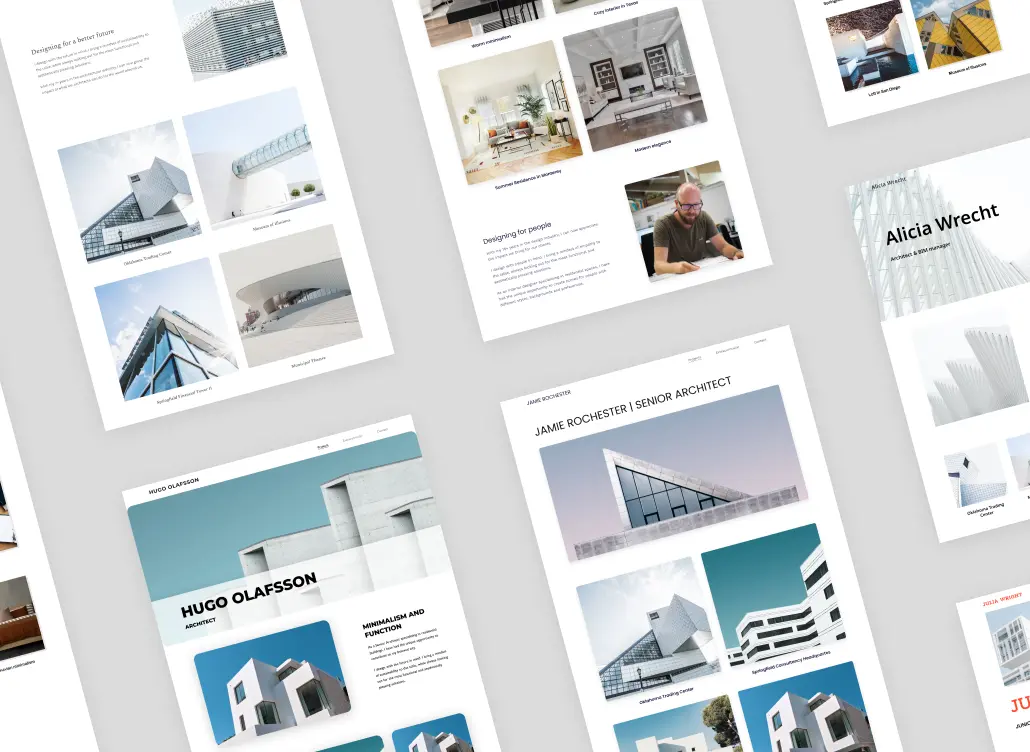
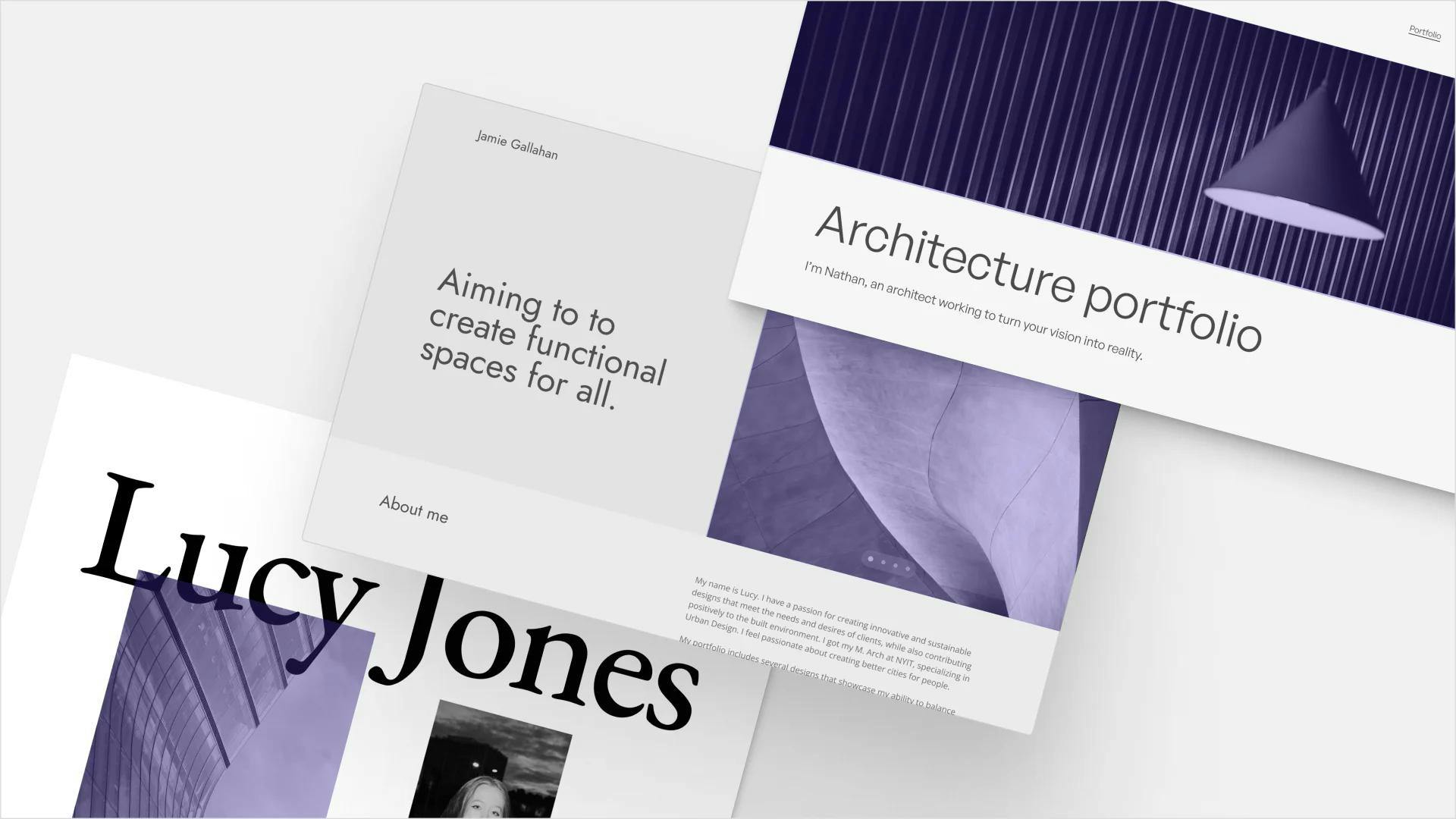
Archifolio is a little bit different, as it’s a portfolio website builder made specifically for architects and interior designers. To create an online portfolio, you have two options: import your existing PDF portfolio or start from scratch.
Turning your PDF into a website
If you already collected all the info and images for your separate projects and added them into a PDF, you can simply upload the file and have Archifolio generate an editable website from that for you.

Click the image to turn your own PDF portfolio into a website!
First, you of course upload your PDF. Archifolio will then parse it to find all your separate projects: you can pick which ones to show and which ones to hide on your website.
And since it might accidentally pick out some originally ornamental images to include, during the next step you can easily deselect those.
Lastly, you can try a few different styles on your website preview, create a free account, and navigate straight to the website editor to play around with the results.
Archifolio’s portfolio website editor

The editor can be split into two parts: the design and settings panel for customizing the overall website, and the sections that provide the content.
In the design and settings panels, you can do things like:
- Set a different global color palette
- Pick out a font pair you like
- Customize your button styles
- Get a custom domain for your site
- Set your privacy settings (to unlist or password protect)
- Choose your browser icon
- Optimize driving traffic with SEO and Google Analytics
Amongst the sections, you will find your portfolio and all of its supporting content: your introduction, contact form, and lots of other content you can add.
Your architecture portfolio in Archifolio
The portfolio section, obviously, is the star of the show. You can add projects with the click of a button: a project thumbnail leading to a separate project page will be created for each.

On these project pages you’ll have the space to add all your images: sketches, floor plans, renders, and more. And you can paste in all the technical details or write about the project too, without having to worry about running out of space in the margins.
If you started by importing your PDF, all the info from the document will already be sorted for you. If not, you can quickly upload them yourself. You’ll find sample content and guiding questions along the way, so you always know what to write and where.

The portfolio grid itself you can customize as well: add new thumbnails, switch up the layout, choose where the titles appear, and decide if you want short project descriptions too.
The pricing of Archifolio
If you’ve tried all that, you still didn’t need to add your card data anywhere. Importing your PDF, or starting from scratch to try Archifolio’s portfolio website builder is free.

Yes, it is a 7-day free trial, but unlike at Issuu, here you won’t get charged if you forget to cancel in that timeframe.
Instead, at Archifolio you only need to upgrade (and enter your credit card info) if you decide you like what you created and want to publish it online or export it as a PDF. In that case, you have two subscription options:
- Archifolio Premium Monthly: $15/month
- Archifolio Premium Yearly: $108/year (paid at once, but comes to $9/month)
It still costs less than half of Issuu’s cheapest paid plan, not to mention that paying monthly is not even an option there. And let’s not even talk about their $3,000 subscription.
Issuu vs Archifolio: The comparison
So overall, which tool is better for creating your online architecture portfolio: Issuu or Archifolio?

Issuu vs Archifolio: the comparison
I’d only recommend Issuu if you need a truly free option, that is literally nothing more than a link for your PDF that has some page flipping animations. And even that only if your portfolio is no longer than 10 pages, otherwise you’d have to pay $274 to share it.
I recommend Archifolio to those who don’t mind spending the price of a coffee or two a month to have a professional-looking portfolio website they can tinker with and edit anytime. It’s handy for those who sometimes need PDFs for architect job applications, but like to have an easy-to-handle digital version that happens to support their online presence too.